
Connect your own Lightning node with Lightning Network +
Lightning Network + 1.1.0 connects Bitcart to your own Core Lightning, LND or LNDHub node and its existing channels.

Bitcart has supported Lightning for a long time, using Electrum's implementation built into our daemons. That way each Bitcart daemon is a standalone Lightning node, and you open channels for it from scratch. If you already run a Lightning node with its own channels and liquidity, it makes more sense to let Bitcart use it instead.
That's what the Lightning Network + plugin does. Its new version, 1.1.0, supports:
- Core Lightning, via its CLNRest API (available since Core Lightning v23.08)
- LND, via its REST API
- LNDHub, including LNbits with its LndHub extension
Thanks to g00g1 (opens in new tab) for contributing the Core Lightning backend!
Channels and liquidity stay managed on your node. Bitcart only creates invoices, checks whether they are paid, and reads your balance and node ID. The plugin requires Bitcart 0.11.1.0 or newer.
How it looks for customers
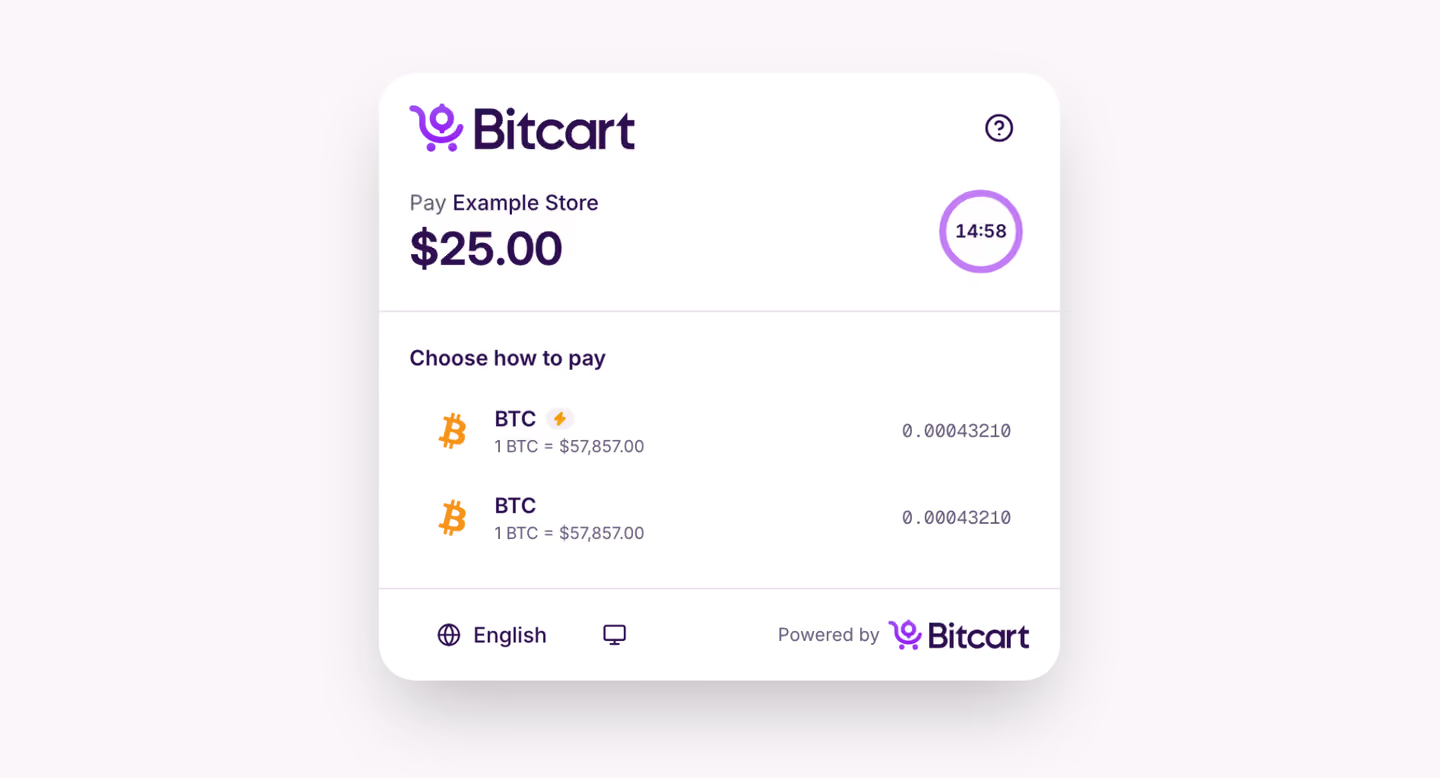
A Lightning Network + wallet shows up in the checkout as BTC with a lightning badge, next to your regular on-chain BTC wallet if you have one.
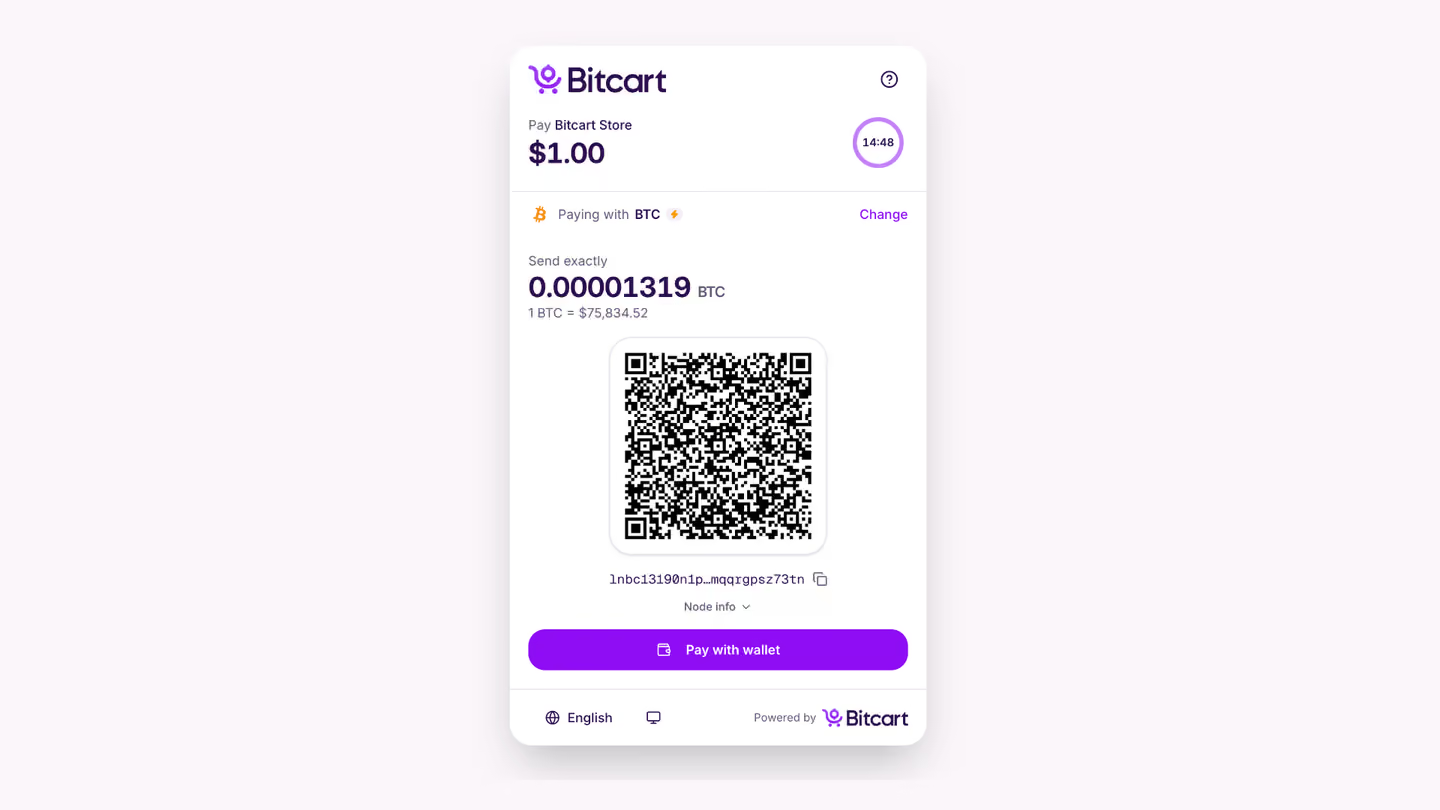
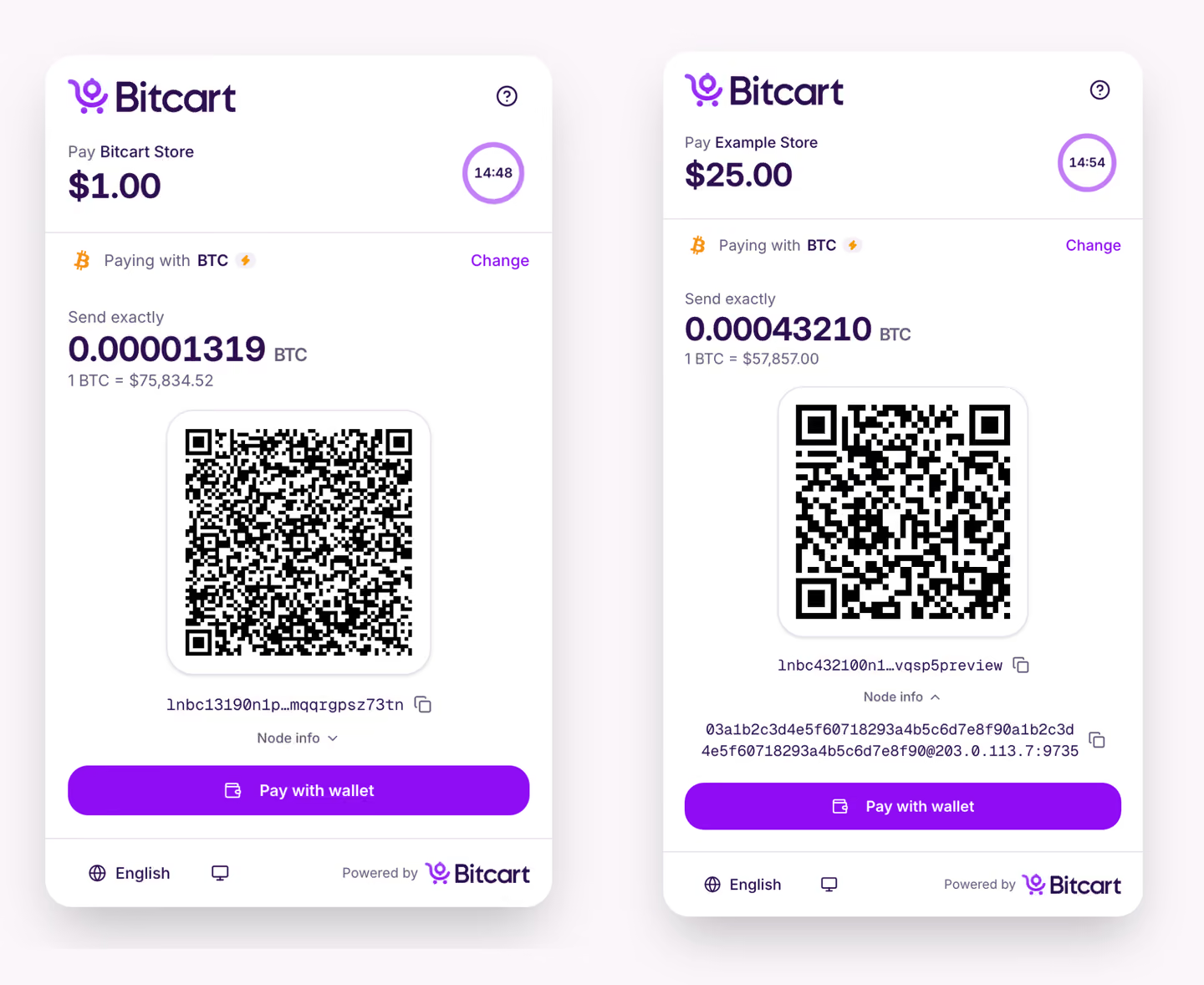
After picking it, the customer gets a Lightning invoice to scan or copy, and "Pay with wallet" opens it in a Lightning wallet. "Node info" shows your node's address, so customers who want to can open a channel with you.
With Core Lightning and LND, a payment is detected within a few seconds. LNDHub servers have rate limits, so there it takes up to about 20 seconds.
Setting it up
- Install the Lightning Network + plugin from the plugins page of your admin panel
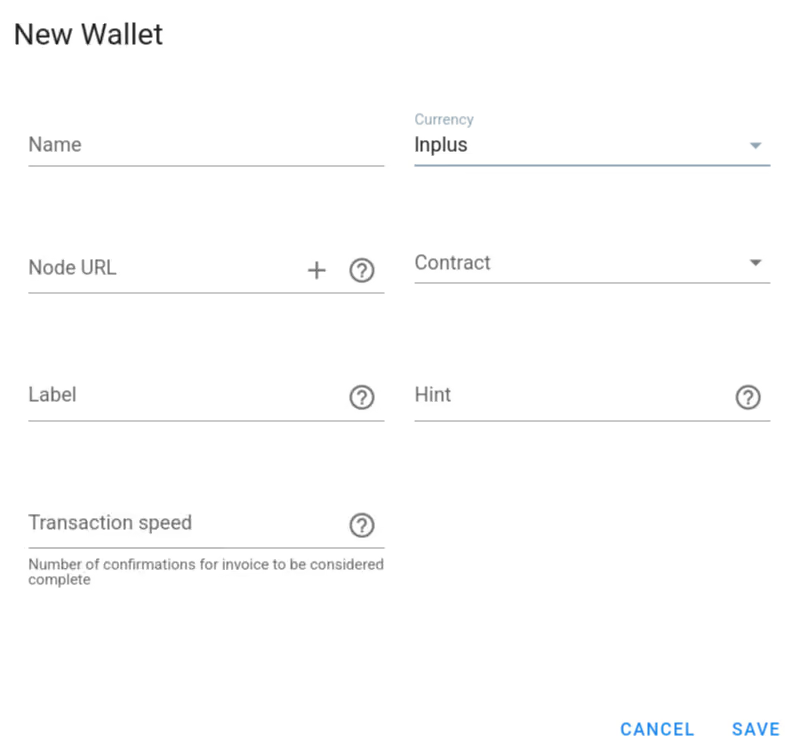
- Open the wallets page and create a new wallet
- Choose the
lnpluscurrency - Paste your connection URL into the Node URL field
The connection URL depends on your node:
cln://<rune>@node.example.com
lnd://<macaroon>@node.example.com
lndhub://<login>:<password>@https://hub.example.com
For Core Lightning, create a rune limited to the methods Bitcart needs:
lightning-cli createrune -k restrictions='[["method=getinfo","method=listfunds","method=invoice","method=listinvoices"]]'For LND, bake a macaroon the same way. It is printed in hex, which is the format Bitcart expects:
lncli bakemacaroon uri:/lnrpc.Lightning/GetInfo uri:/lnrpc.Lightning/ChannelBalance uri:/lnrpc.Lightning/AddInvoice uri:/lnrpc.Lightning/LookupInvoicePlease don't use an unrestricted rune or admin.macaroon: whoever gets them has full control of your node, including your funds.
Both CLNRest and LND serve HTTPS with their own certificates by default, and Bitcart only accepts certificates from public CAs. So connect through a reverse proxy with a public certificate, or over a private network like WireGuard with plain HTTP. Don't use http:// over the public internet. The plugin guide (opens in new tab) has the exact settings for each node.
Good to know
- Lightning invoices on Core Lightning and LND expire together with the Bitcart invoice. LNDHub servers don't let clients set the expiry, so an invoice there can still be paid after the Bitcart invoice expired, and Bitcart won't record that payment
- For zero-price invoices, where customers pay any amount they want, Core Lightning, LND and Alby's LNDHub create an invoice without a fixed amount. BlueWallet's LndHub and LNbits don't support that, and no Lightning payment method is created for such invoices
- With Core Lightning and LND, the balance shown is the local balance of open channels, channels still opening or closing are not counted
- LND invoices don't include route hints for private channels, so customers generally can't pay a node that only has private channels
- Starting with the next Bitcart update, the invoice description customers see in their wallet comes from the
lightning_descriptiontemplate, like it does with the built-in Lightning
The source code is in our plugins repository (opens in new tab). If your node or LNDHub server doesn't work with the plugin, please open an issue there (opens in new tab).